Two new models launched: Gemini Omni 1.2 Flash & Seedance 2.5.Try for free→

Ready for your prompts. Test Gemini Omni 1.2 Flash and Seedance 2.5 right away.

Free Flow AI Video Generator Alternative Online

Looking for a Flow AI Video Generator alternative? Create short videos from prompts or images with models available on Veo Online, then preview and download your clip. Veo Online is independent of Google Flow.

Write a prompt, optionally add one image to guide the motion.

JPG, JPEG, PNG, WEBP · max 10MB

0 / 5000
Preview

Your generations will appear here

Create a Video from a Text Prompt

Start with a scene you can describe but have not filmed. Name the subject, what changes during the shot, the setting, and one camera move. A focused prompt gives the model a clear direction for a trailer opening, a story beat, or an early ad concept. If you have no starting image, create videos from text prompts and refine the next take after you see the first result.

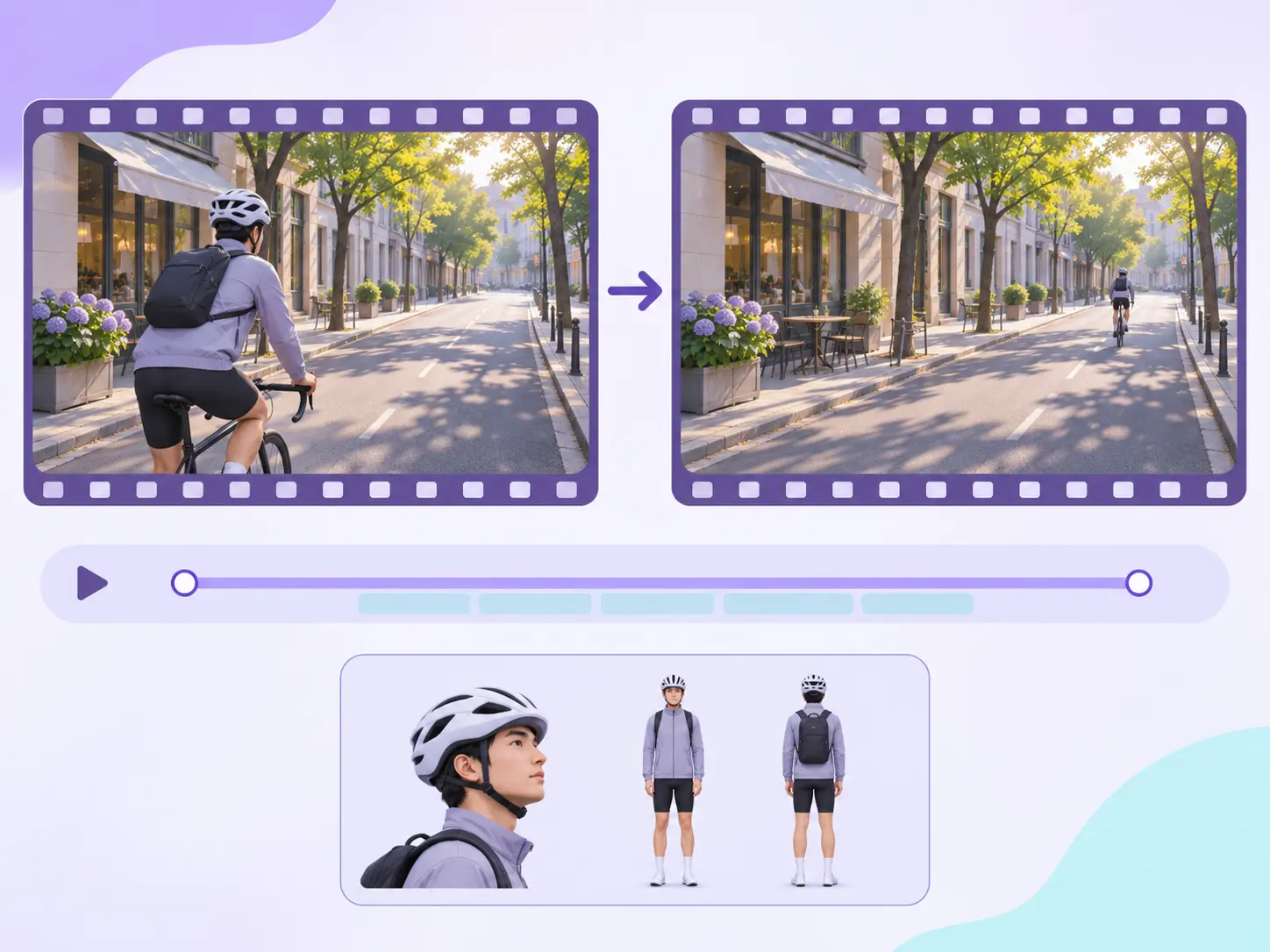
Image-to-video starting frame with an amber skincare bottle

Turn an Image into a Moving Clip

A product photo, portrait, illustration, or location still can define the first frame. Add a short instruction for the movement you want: a slow camera push, a turn toward the light, or a change in the environment. The source image supplies visual context while the prompt describes what happens next. Animate an image into video when the opening composition already matters.

First and last frame references for AI video generation

Guide a Shot with Frames or References

Some Veo 3.1 modes accept a first frame and an optional last frame; supported modes can also use reference images to guide a person, object, or style. These inputs help you direct one short shot. They do not assemble a multi-shot film or guarantee identical characters across clips. Explore Veo 3.1 video options to choose an input mode that matches your assets.

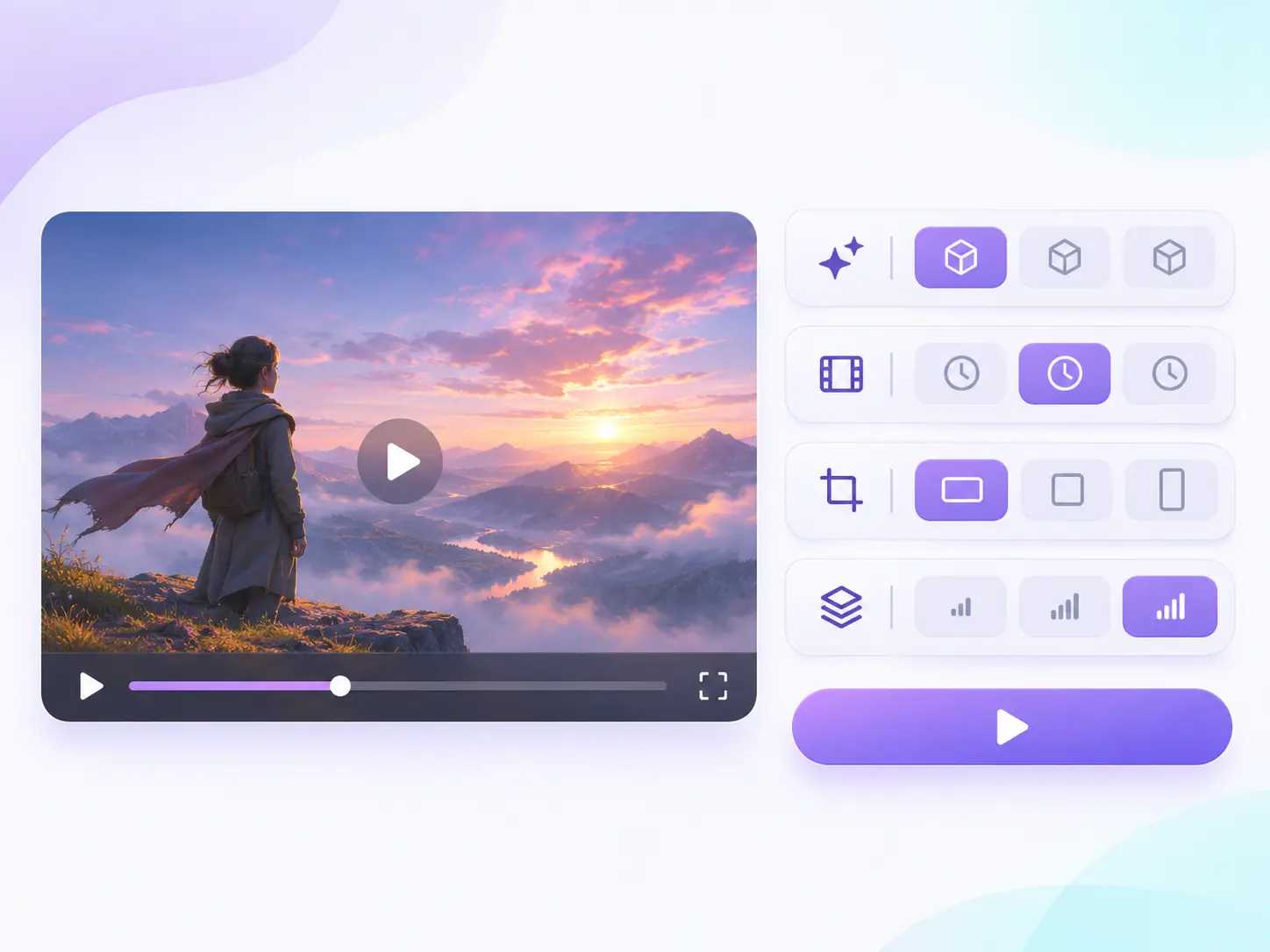
AI video generator model and settings workspace

Choose the Video Model for Your Idea

Different models expose different input modes, durations, and resolutions. Pick a model after deciding whether the clip starts with text, an image, or supported frames, then use only the controls shown for that selection. For a very short prompt-led idea with an optional image, try Gemini Omni 1.2 Flash. Check the model settings if your scene depends on audio or a particular format.

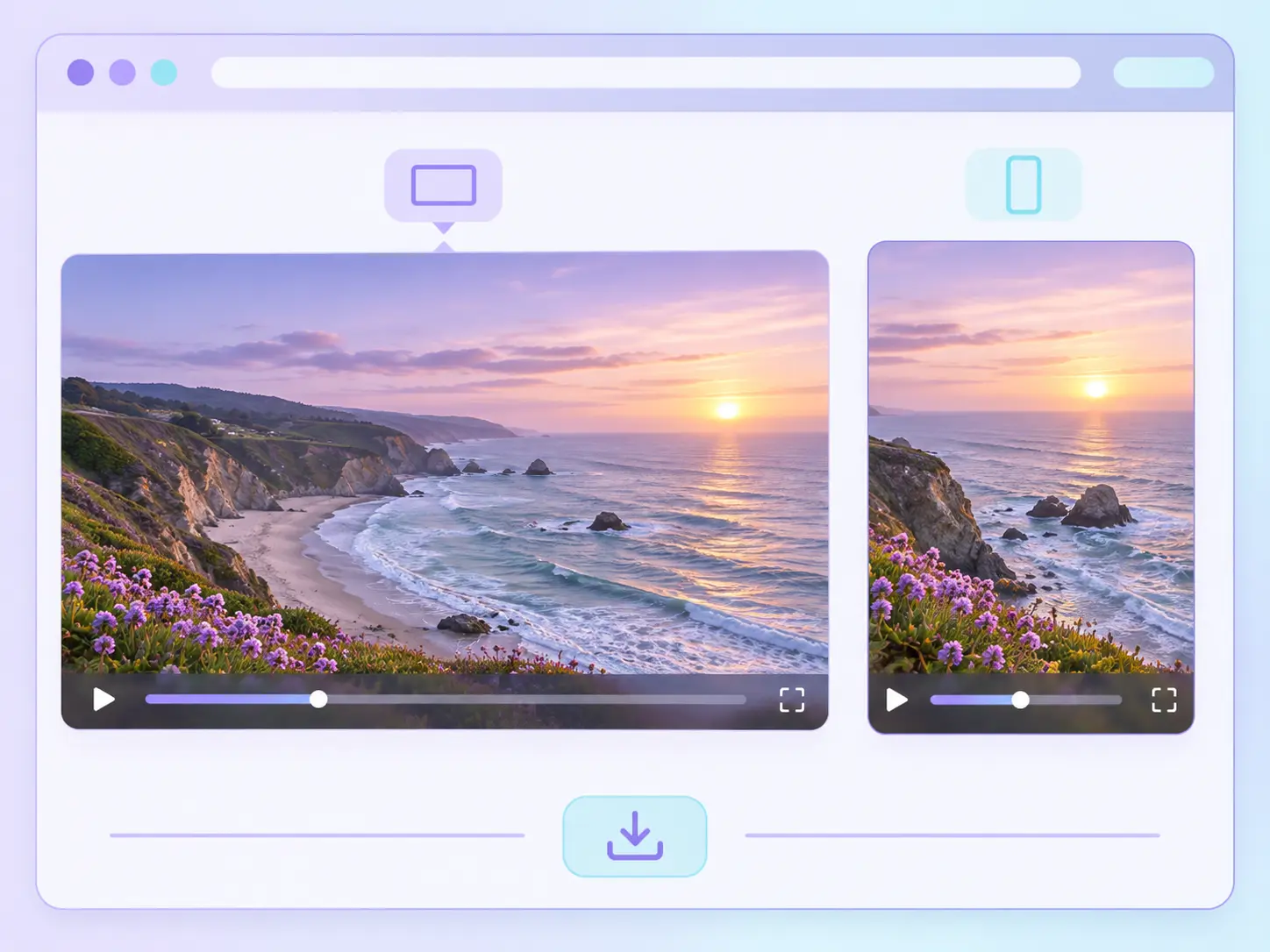
Landscape and vertical AI video output previews

Make Short Videos for the Screen You Need

Set a supported aspect ratio before generating: landscape can fit a web page or pitch deck, while vertical framing suits Shorts and Reels. Preview the completed clip, check its subject and motion, then download the version you want to use. If the shot misses the brief, change one detail in the prompt or source image and generate another take.

How to Use Veo Online to Generate an AI Video

Start with a prompt or image, choose the settings your model supports, then review the completed clip.

  1. 1

    Add a prompt or image

    Write the scene or upload an image in a supported mode. Your input supplies the subject and visual direction for a short video request.

  2. 2

    Select the model and settings

    Choose an available model, duration, aspect ratio, and resolution. The generator applies the controls supported by that model.

  3. 3

    Generate, review, and download

    Submit the request and watch the completed result in the preview area. Save the clip with Download, or revise the input and make another version.

AI Video Ideas for Creators, Sellers, and Teams

Use one short clip to test a direction before building a longer edit or campaign.

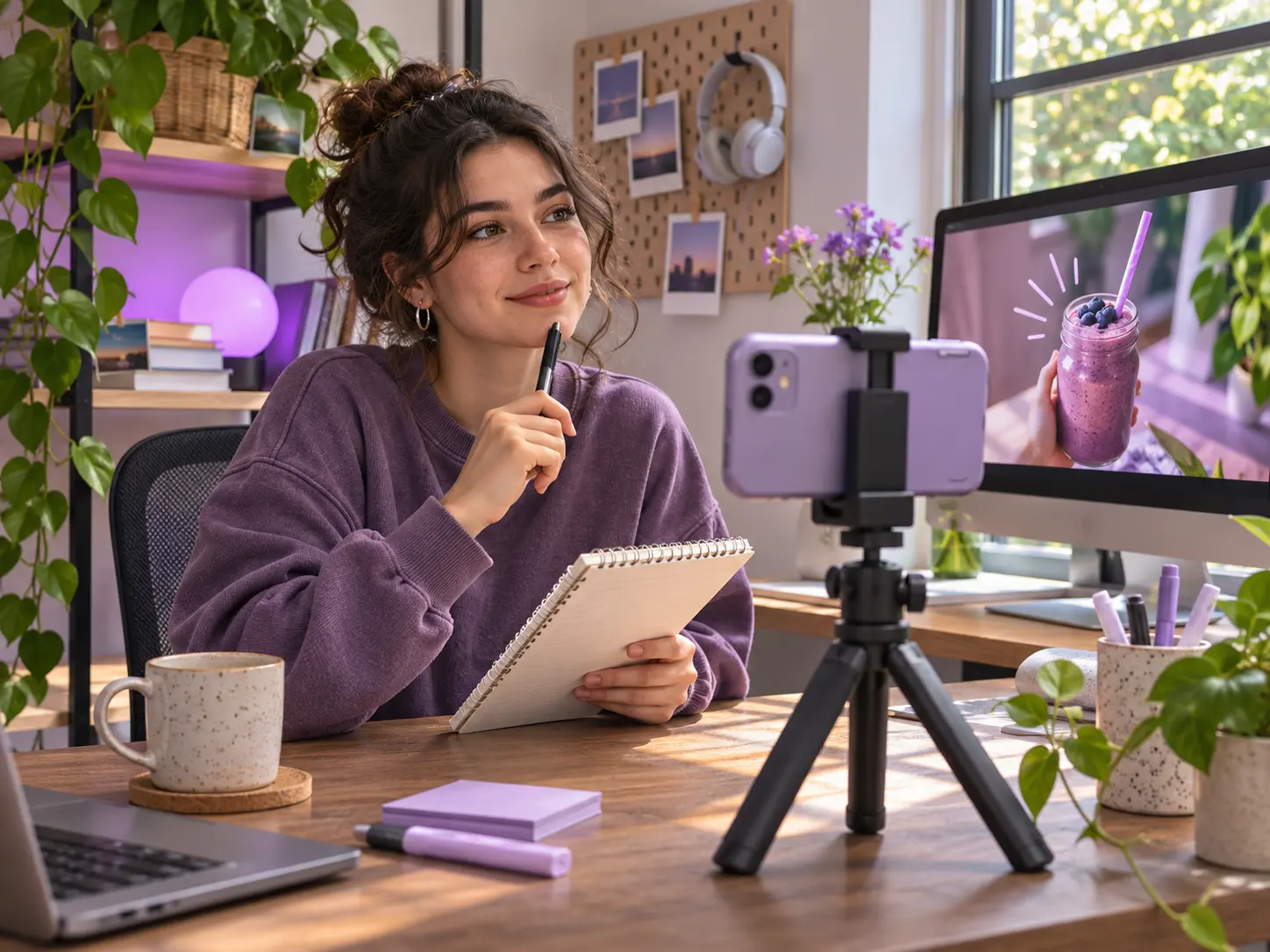
Creator planning a social media AI video at a home desk

Social Video Hooks

Test a visual opening for Reels, Shorts, or TikTok before planning a longer edit. Start with one action and choose vertical framing when the model offers it.

Product reveal concept for an AI-generated marketing video

Product Reveal Concepts

Turn an approved product photo into a moving reveal for a storefront or ad concept. Check the label and product shape before publishing.

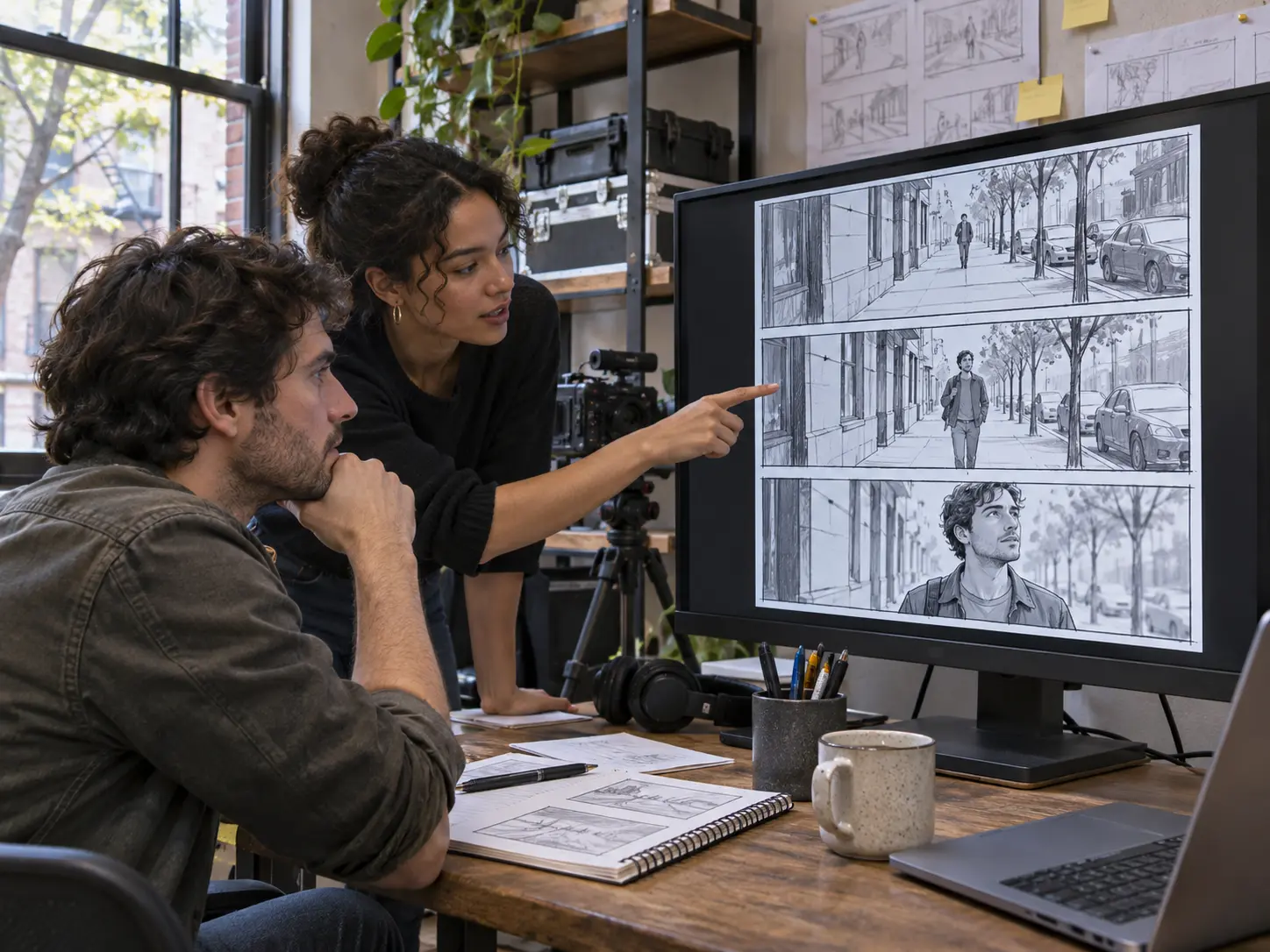
Filmmakers reviewing AI video storyboard frames

Storyboards for a Shoot

Describe a location, subject, and camera move to previsualize a shot for a collaborator. Use the clip as a creative reference.

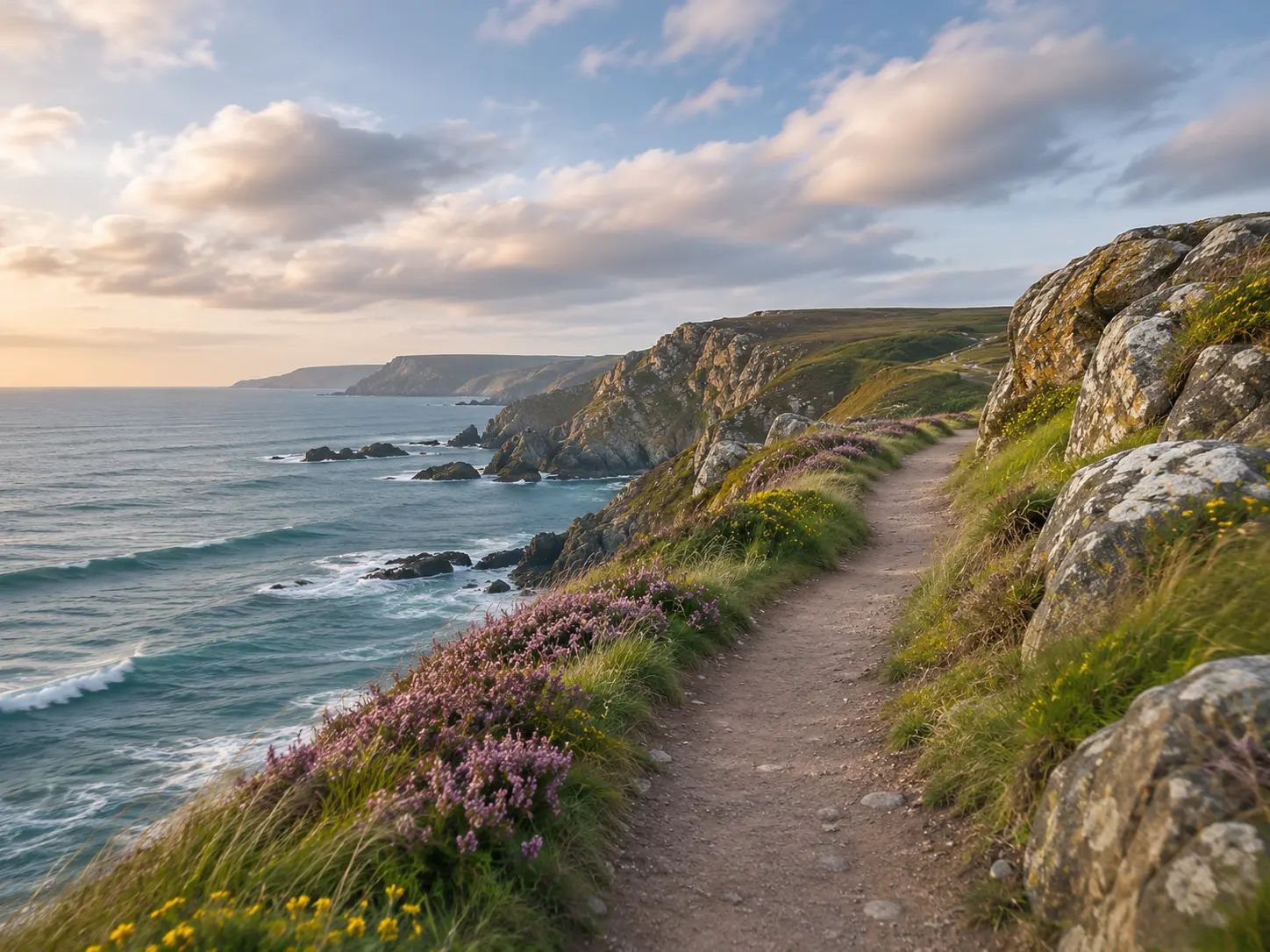
Coastal travel photo concept for image-to-video animation

Travel and Lifestyle Moments

Begin with a landscape or street image and add gentle environmental movement for a portfolio teaser or social post.

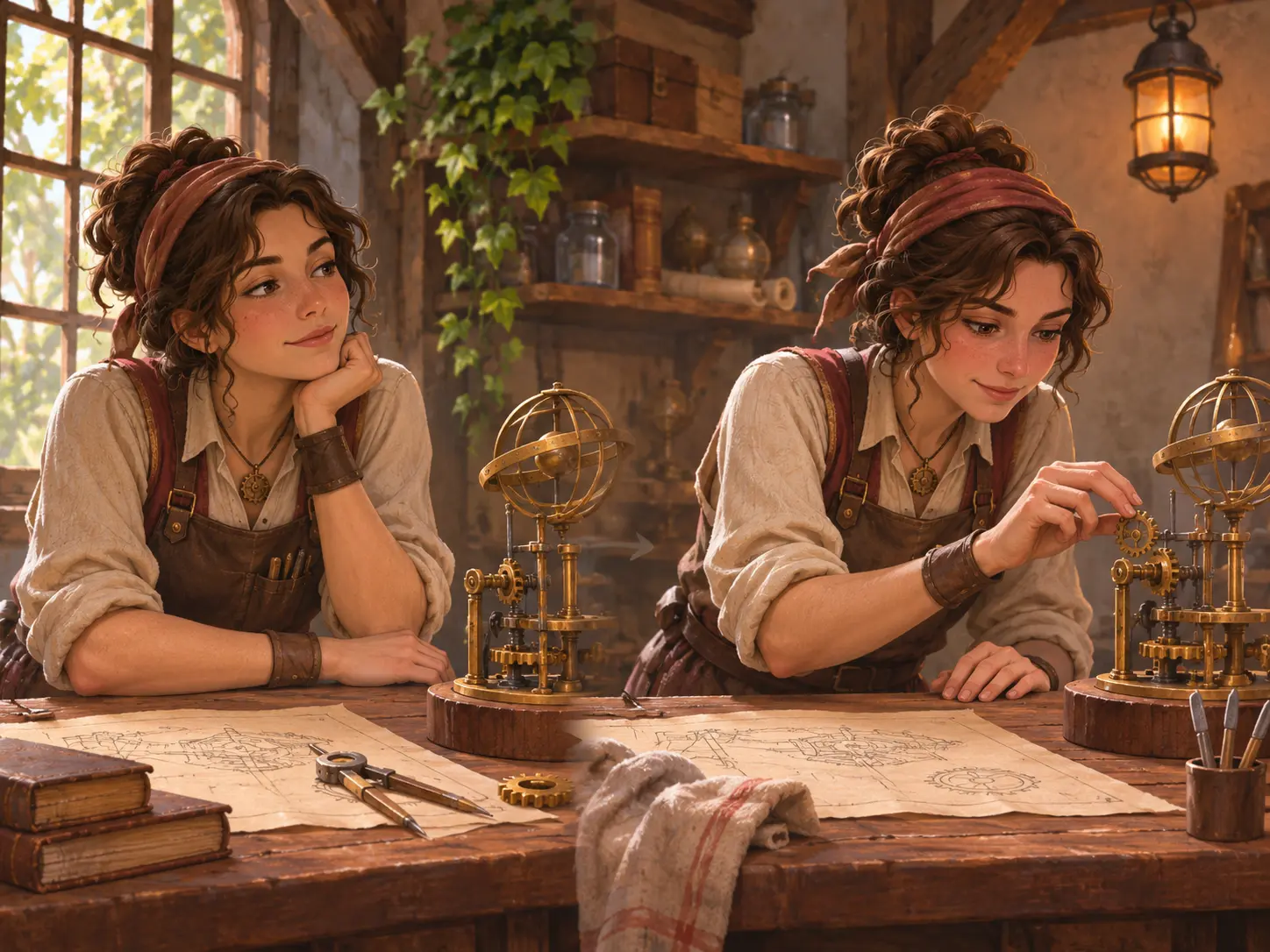
Illustrated character scene for a short AI video

Character Scene Tests

Use a character image and a focused action to explore a brief scene. Review faces and clothing in each result before building a larger sequence.

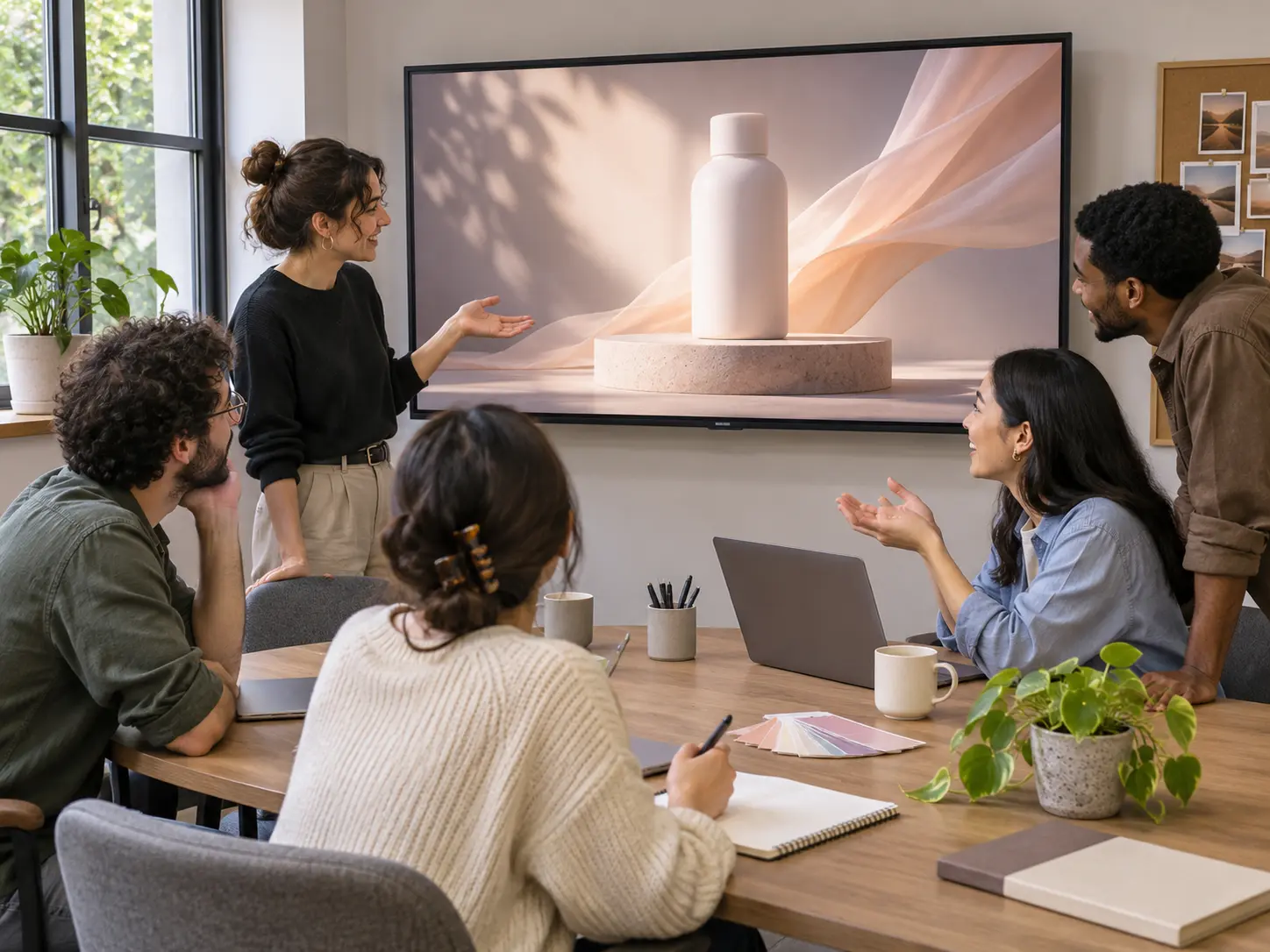
Creative team reviewing an AI video for a launch pitch

Launch and Pitch Visuals

Turn a written concept into a short visual for a pitch, product announcement, or moodboard while the final campaign is still being planned.

Why Make Short AI Videos with Veo Online

Move from a clear input to a reviewable clip using controls available for your selected model.

Start with what you have

Use a written scene or an image, then choose other supported inputs when your shot needs more direction.

See model-specific controls

The available settings change with the selected model, so you can choose from controls the current workflow supports.

Work in short takes

Create a compact scene, review it, and adjust the next prompt instead of committing to a long edit at the first step.

Plan for the destination

Choose a supported landscape or vertical format before you generate a clip for a web page, pitch, or social feed.

Review before saving

Preview the result and check motion, subject details, and audio where applicable before you download it.

Try before committing

The site currently offers up to three free video generations per user per day across its video tools, subject to the current product allowance.

Flow AI Video Generator Questions

No. Google Flow is Google's creative studio. Veo Online is an independent video generation service where you can create short clips with the models available in its own generator. It does not provide Google Flow's Scenebuilder or project workspace.