
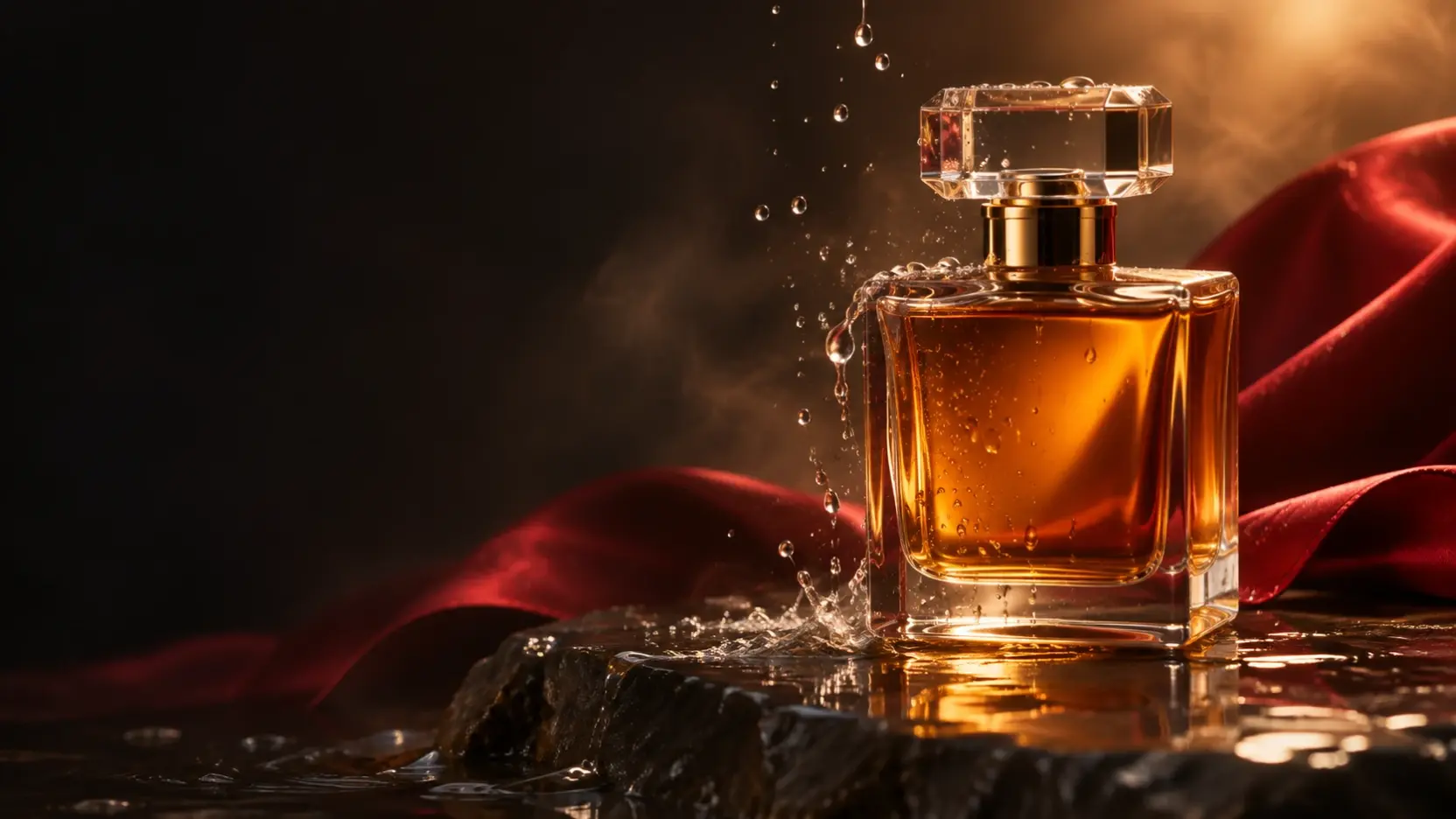
An eight-second product ad needs a clear opening, one memorable visual idea, and a final frame that lets viewers see the product. For this example, we used Veo 3.1 Lite to generate a vertical perfume ad from a text prompt alone. The prompt directs water droplets, warm light, a crimson silk backdrop, camera movement, and sound around one unbranded bottle.
The cover image is an illustration of the concept. The video below is the actual generated result.
Watch the Finished Perfume Ad
The finished clip shows an amber bottle against red fabric, with water, bright reflections, and a centered product image at the end. It is a real output from the prompt and settings below. One useful difference to notice: although the prompt requests a slow half-orbit, the bottle stays largely front-facing in the finished video. That gives us a specific change to make if camera movement is essential to the next version.
Copy the Full Veo 3.1 Product Ad Prompt
An 8-second vertical cinematic product ad, one continuous shot. An unbranded amber perfume bottle stands on wet black stone. Start immediately with water droplets striking the glass. The camera makes a slow, smooth half-orbit around the bottle as a crimson silk ribbon moves softly in the background. Warm golden light passes through the amber liquid, with realistic reflections, subtle mist, shallow depth of field, and premium studio lighting. End on a sharp, centered hero shot of the bottle. No people, no labels, no logos, no on-screen text, no cuts. Sound: delicate water drops, a soft fabric swish, and subtle cinematic ambience.
The prompt gives the model a subject and setting first: one amber bottle on wet black stone. It then describes what should happen at the start, how the camera should move, what should stay in the background, and how the shot should end. The final sentences set visual exclusions and describe the intended sound.
Think of those instructions as a shot plan, not a guarantee that every detail will appear exactly as written. The generated clip is the reference for judging what worked.
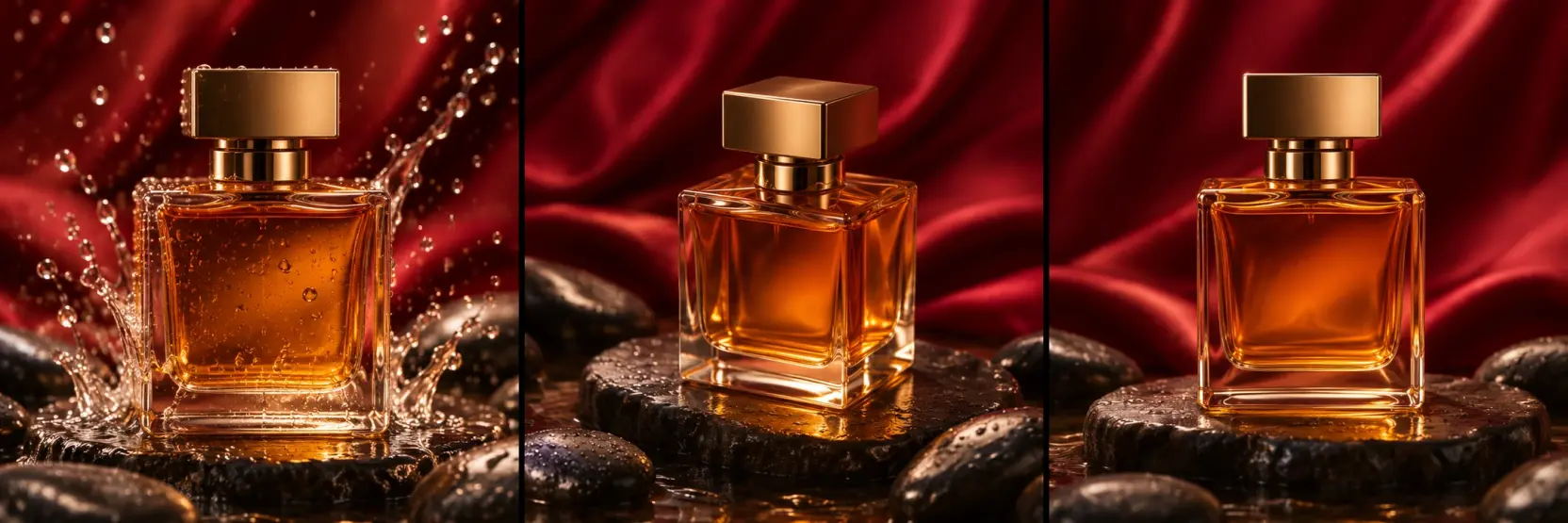
Illustrative storyboard of the prompt's intended beats; these panels are not frames from the generated video.
Settings Used for This Video
The generation record shows the following setup:
| Setting | Value |
|---|---|
| Model | Veo 3.1 Lite |
| Input | Text / Image to Video, with no starting image uploaded |
| Duration | 8 seconds |
| Aspect ratio | 9:16 |
| Resolution | 720p |
| Audio | Generated by default |
The downloaded file is approximately 7.92 seconds long and measures 720 × 1280 pixels. Those are file properties; the settings above come from the generation record. A new run with the same prompt and settings may produce a different take, so review each result before using it.
How to Make Your Own Product Video Ad
- Open the Veo text-to-video generator. This example starts from words, so you do not need to upload a product image.
- Choose Veo 3.1 Lite. Select the text input workflow and leave the optional image upload empty.
- Paste the complete prompt. Keep the subject, action, camera direction, ending, and sound cues together for your first run.
- Set the output to 720p, 9:16, and 8 seconds. These match the settings used for the perfume example.
- Generate and watch the full clip. Check the opening, bottle shape, camera movement, background, final frame, and audio. This workflow generates audio by default; listen to the output rather than assuming every requested sound is present.
- Download the result you want to keep. If a detail matters to the ad but is missing, change that instruction and generate another version.
For a different product, replace the bottle, surface, lighting, and background details while keeping the prompt's sequence: an immediate opening action, a focused camera instruction, and a clear final product shot.
What the Finished Clip Gets Right—and What to Review
The bottle remains the visual focus, with the red backdrop and warm reflections giving the short clip a consistent look. Water and droplets add movement without introducing a person, label, or on-screen headline. The ending also leaves a clear view of the bottle.
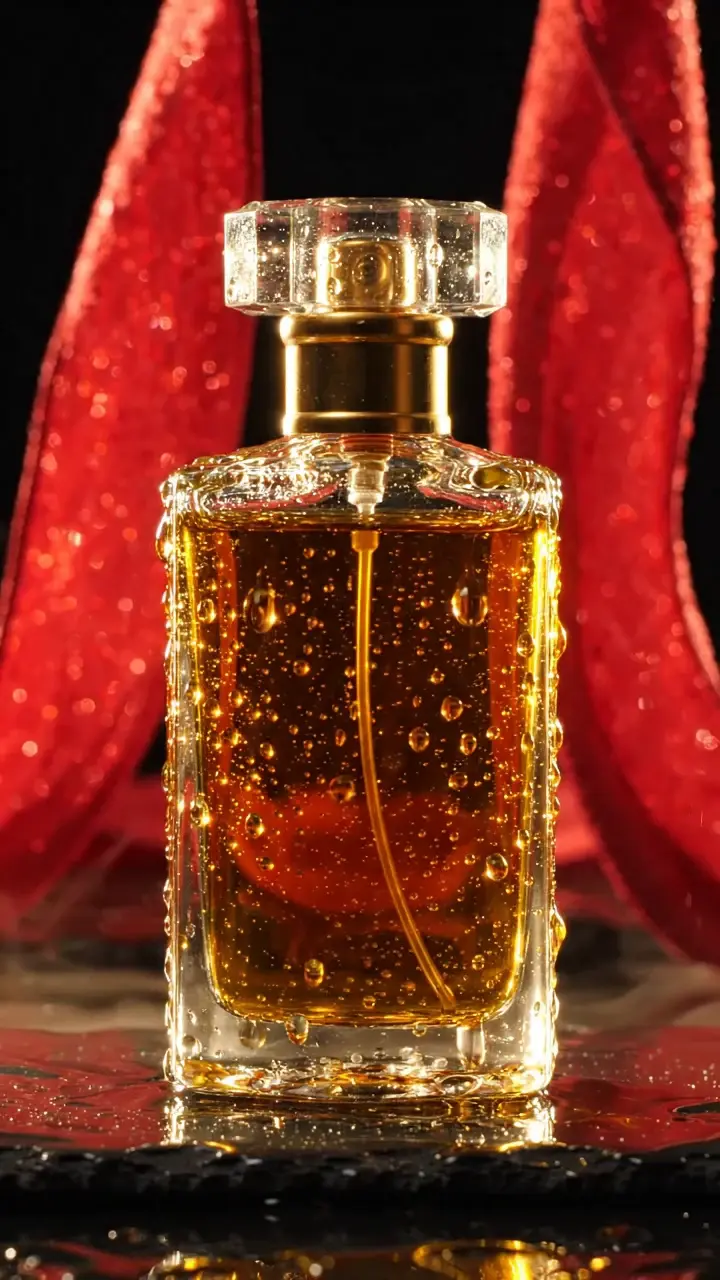
An actual frame extracted near the end of the generated video.
The camera instruction deserves another pass. The requested half-orbit is not prominent in the result, so this clip works better as a centered product reveal than as a demonstration of a strong orbiting move. The prompt also asks for water drops, a fabric swish, and cinematic ambience. Listen to the finished video to decide which sounds are audible and whether they support the visual before treating the clip as a final ad.
Common Product Ad Problems and How to Adjust the Prompt
The camera barely moves. Make the movement the main action in your next prompt. For example: “The camera visibly moves from a front three-quarter view to the opposite three-quarter view while the bottle remains still.” Reduce competing motion instructions until the camera move is clear.
The bottle changes shape. Add a continuity instruction such as “Keep the same bottle shape, cap, and proportions throughout the shot.” Inspect the whole clip, especially frames with water or strong reflections. For a real product, check its appearance against the original packaging before publishing.
Water hides the product. Move the effect away from the bottle's front: “Water droplets strike the side of the glass and the stone surface; keep the front of the bottle visible.” This preserves the opening action while giving viewers a better look at the product.
The ribbon crosses the bottle. State its position: “The crimson silk stays behind the bottle throughout the shot.” If the ribbon still takes too much attention, ask for softer movement or remove it from the next test.
Text or a label appears unexpectedly. Keep the exclusions in the prompt, then inspect the output frame by frame. An instruction such as “no labels, no logos, no on-screen text” is useful direction, but the final video still needs a visual check.
The sound does not match the action. Describe each important effect briefly and connect it to a visible event—for example, droplets when water hits the glass. Then listen to the new output. Changing one issue at a time makes it easier to tell whether the revision helped.
Create Your Next Product Ad
Start with one product, one setting, and one visual action that can read clearly in eight seconds. Give the clip a deliberate ending, generate a first version, and revise the detail that matters most after watching it. When you are ready, make a product ad with Veo text to video.